Write the scene. Shoot it.
Vishot stages a scene from text in Unreal® Engine or in an editor right in your browser and shoots a film from it on your graphics card. Everything behind this text was shot by the models on one NVIDIA GeForce RTX 5090.
Early access. The account is free, Studio opens with a sample scene, we send the Unreal plugin by invitation, cloud generation is on paid plans from $25 a month.
LocalThe plugin and local models are free and run on your PC. The cloud only where you turned it on.
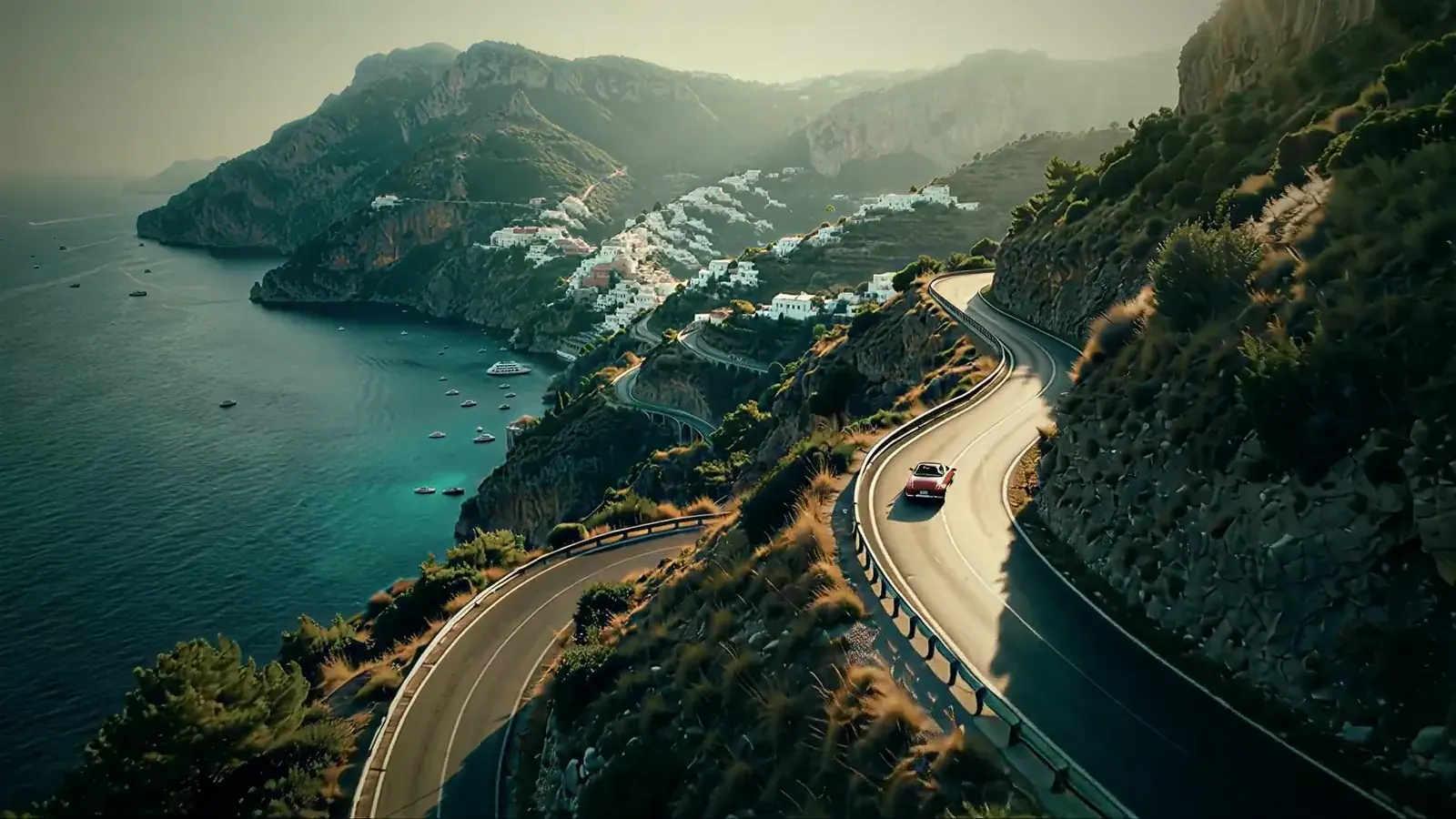
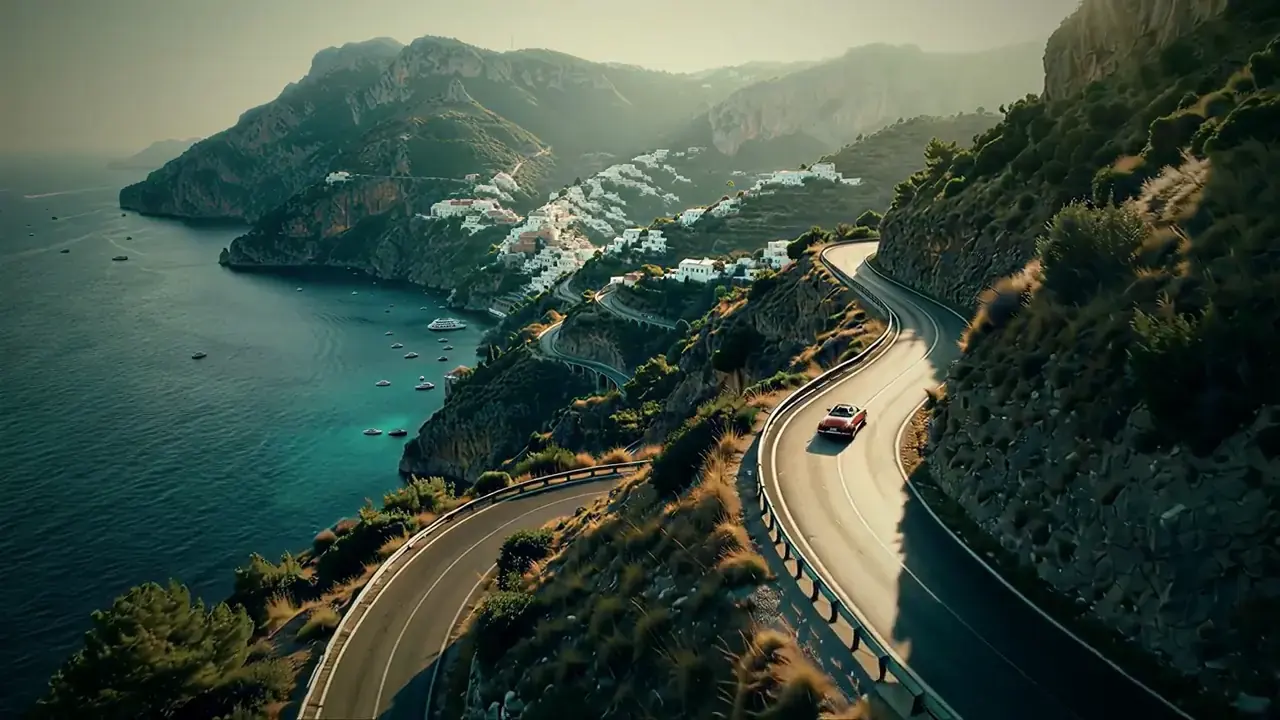
On screenCoastal Roadroad movie
On screenLast Fleetspace opera
On screenIron Frontmilitary sci-fi
On screenDragon Passfantasy
On screenThe Chargehistorical epic
On screenGround Controlscience fiction
On screenCoastal Roadroad movie
Shot with Vishot
Eight short films from script to edit on one NVIDIA GeForce RTX 5090. Here are 5-second excerpts, more excerpts and the numbers of each film are in Demo.
These eight films were shot by the model pipeline without Unreal: frames come straight from the model. Last Unit, the first film staged in Unreal, is shown below in “The staging and the frame”.
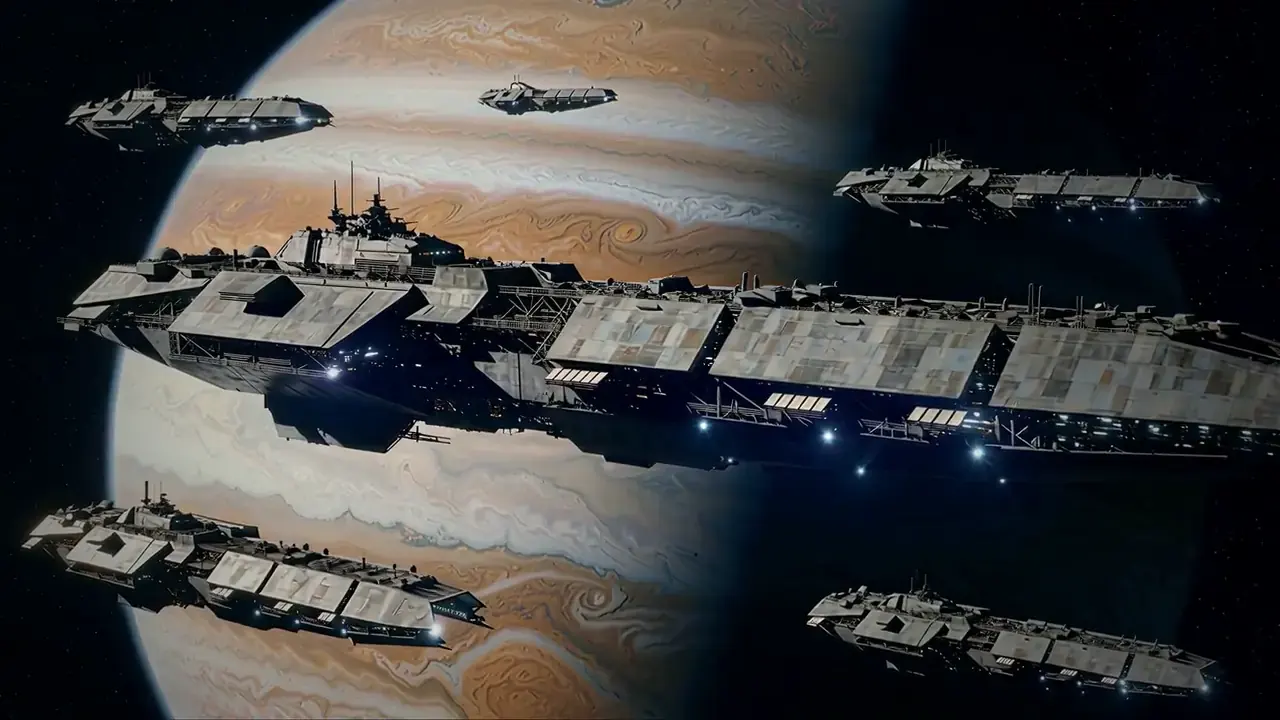
Six more films
What was shot in each and how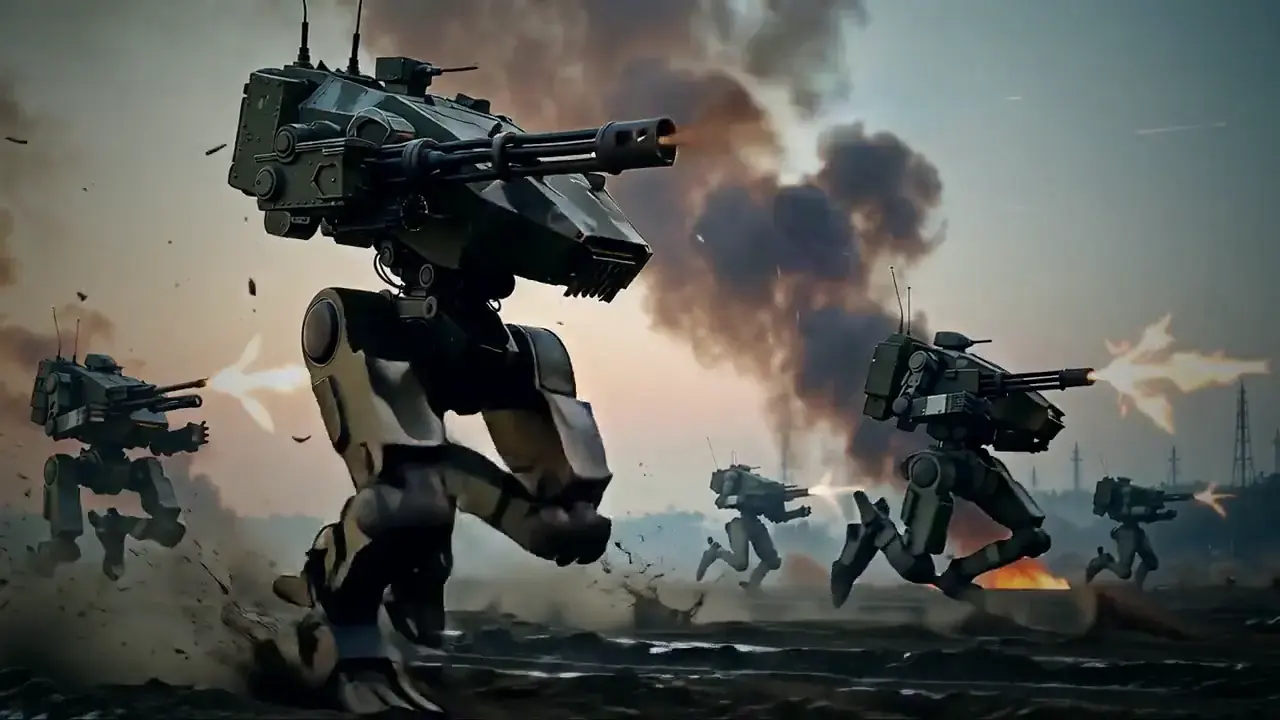 Iron FrontMilitary sci-fi, 61 s
 Dragon PassFantasy, 56 s
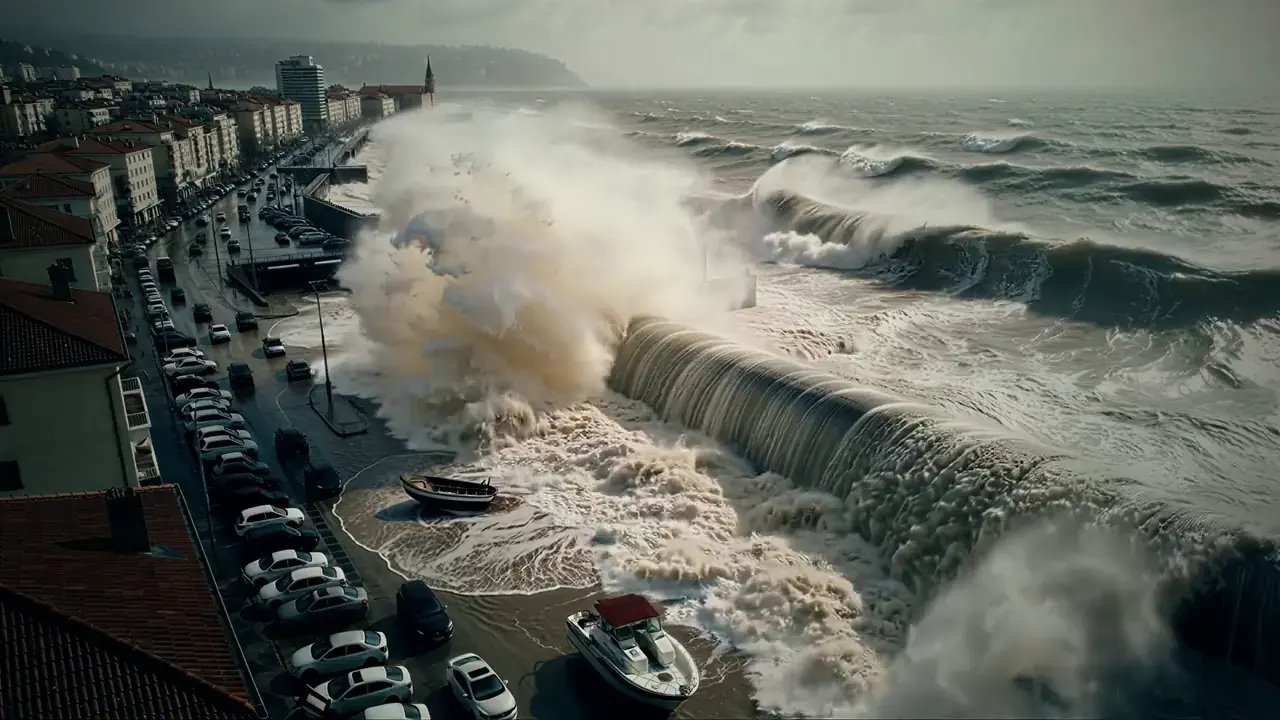 Fault LineDisaster film, 54 s
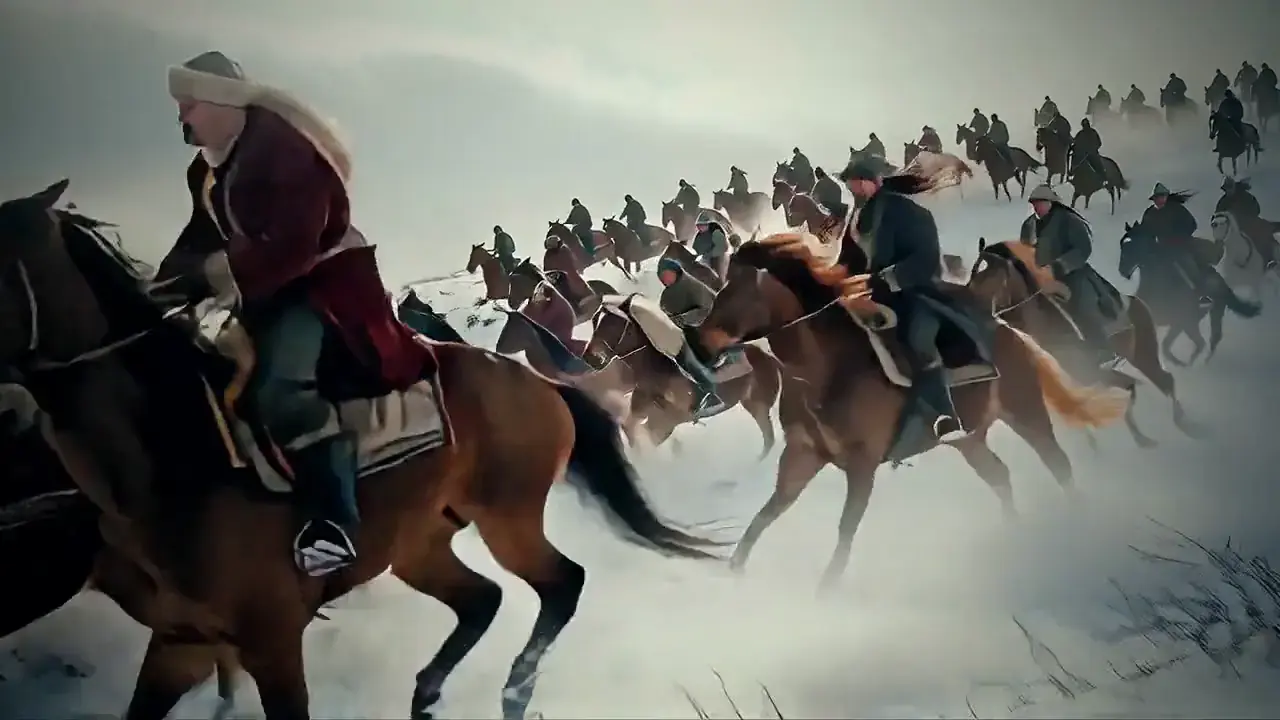 The ChargeHistorical epic, 58 s
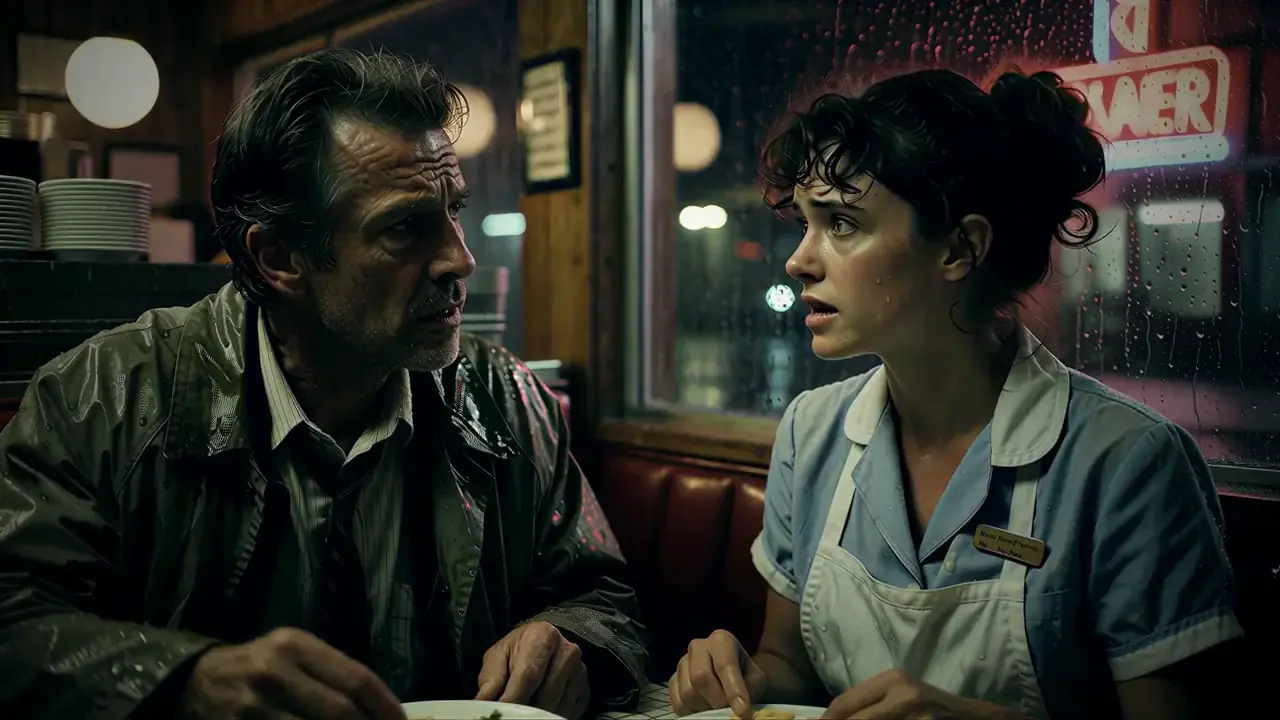 Night ShiftNeo-noir, 45 s
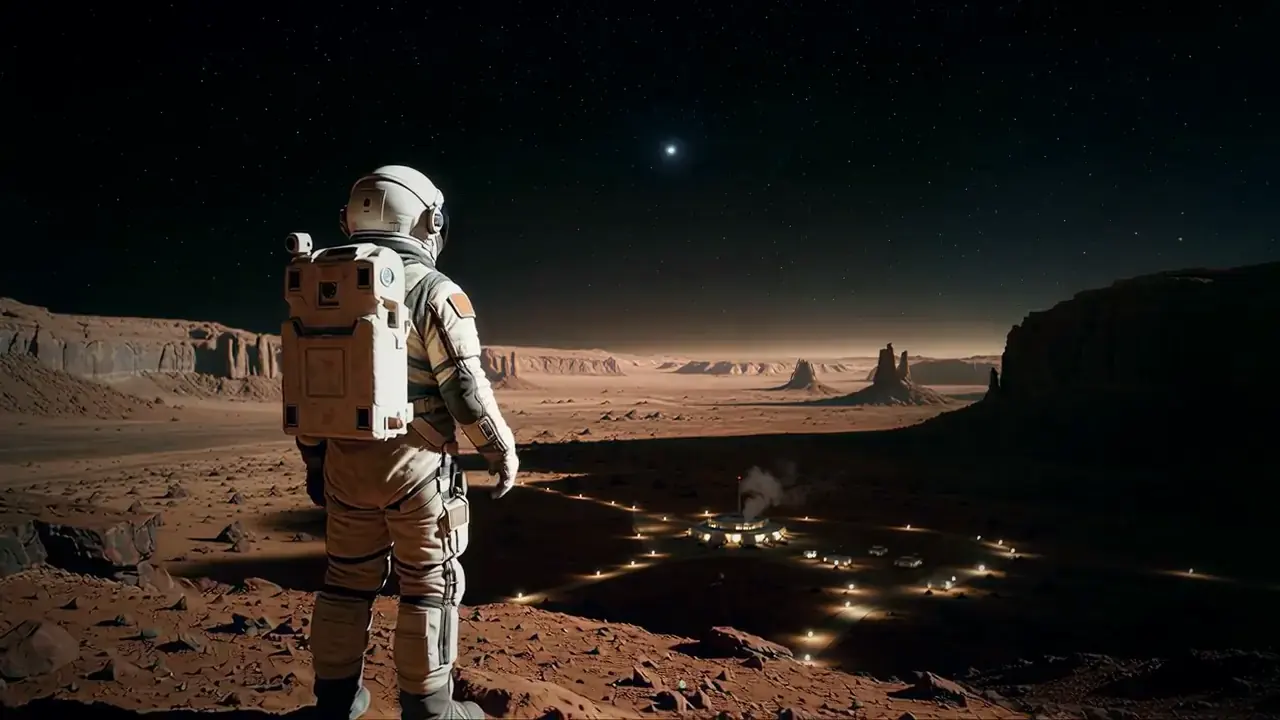 Ground ControlScience fiction, 46 s
All eight were made by one pipeline: frames by Krea 2, motion by LTX 2.5 or MiniMax H3, voice by Seed-VC, upscale by SeedVR2.
How it works
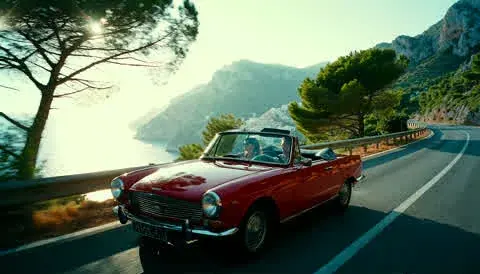
You describe the scene in words. Vishot splits it into shots, stages it in Unreal or in Studio if you want, and the models shoot every shot on your graphics card or, where you choose, through the portal. Below is the whole path of one film, Coastal Road.
You give
- Place and time“A Mediterranean coast, golden hour”
- CharactersA few words about their looks, or a photo
- LinesWho says what, and how
- Staging, if you wantA scene in Unreal Engine or in Vishot Studio
You get
- An MP4 film, 1080pEdited, with a shared grade and grain
- Character voicesEach one sounds the same in all of their shots
- .srt subtitlesA separate file, timed to the lines
- Every shot separatelyThe key frame and the clip, to take into your own edit
You write the scene
Like a screenplay or in plain words: where and when, who is in the frame, who says what. That is enough to start.
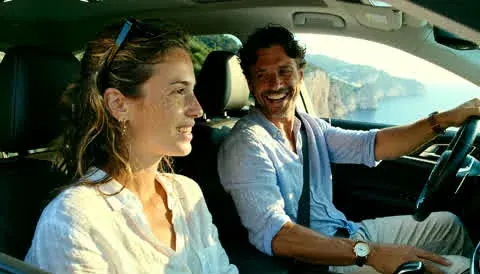
Ext. Coastal road. Late afternoonA red convertible winds along the coast road above the sea. Maya, mid thirties, white linen shirt, freckles. Leo, a little older, short beard, at the wheel.Maya(playfully)Okay, honest answer. Left to the mountains, or right to the sea?
Leo(warmly)I picked the last three. Your turn to surprise me.
Vishot splits it into shots
The director model on your PC makes the storyboard: which shot, who is in the frame, how the camera moves, which line. MiniMax H3 shoots the shots with lines, LTX 2.5 the shots without words.
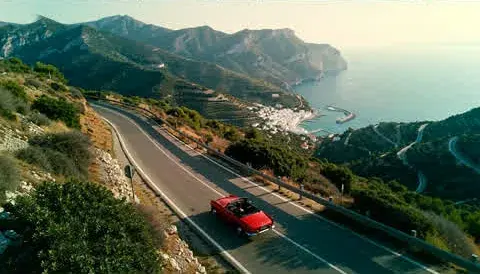
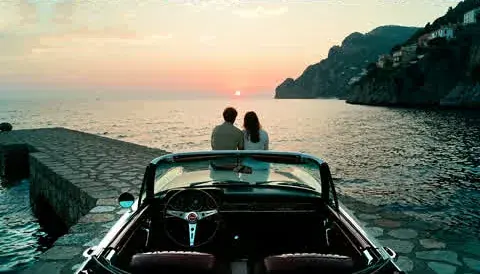
Coastal Road storyboard No. Shot In the frame Model 01 Aerial The coast road above the sea, a red convertible LTX 2.5 02 Tracking The convertible among the pines LTX 2.5 03 Medium Maya: Left to the mountains, or right to the sea? MiniMax H3 04 Medium Leo: Your turn to surprise me. MiniMax H3 05 Aerial The fork: the mountains or the sea LTX 2.5 06 Close-up Maya: The sea. Always the sea. MiniMax H3 07 Tracking Driving into the harbour LTX 2.5 08 Wide The empty convertible on the pier LTX 2.5 09 Two-shot Leo: Same time next year? MiniMax H3 10 Close-up Maya: Same road. Different turn. MiniMax H3 11 Aerial Village lights at dusk LTX 2.5 Staging, when precision matters
When it matters who stands where and where the camera is, Vishot stages the scene in Unreal Engine or in Vishot Studio: mannequin actors on marks, cameras, light. The model then shoots from this staging. Coastal Road was shot without it, straight from the text.
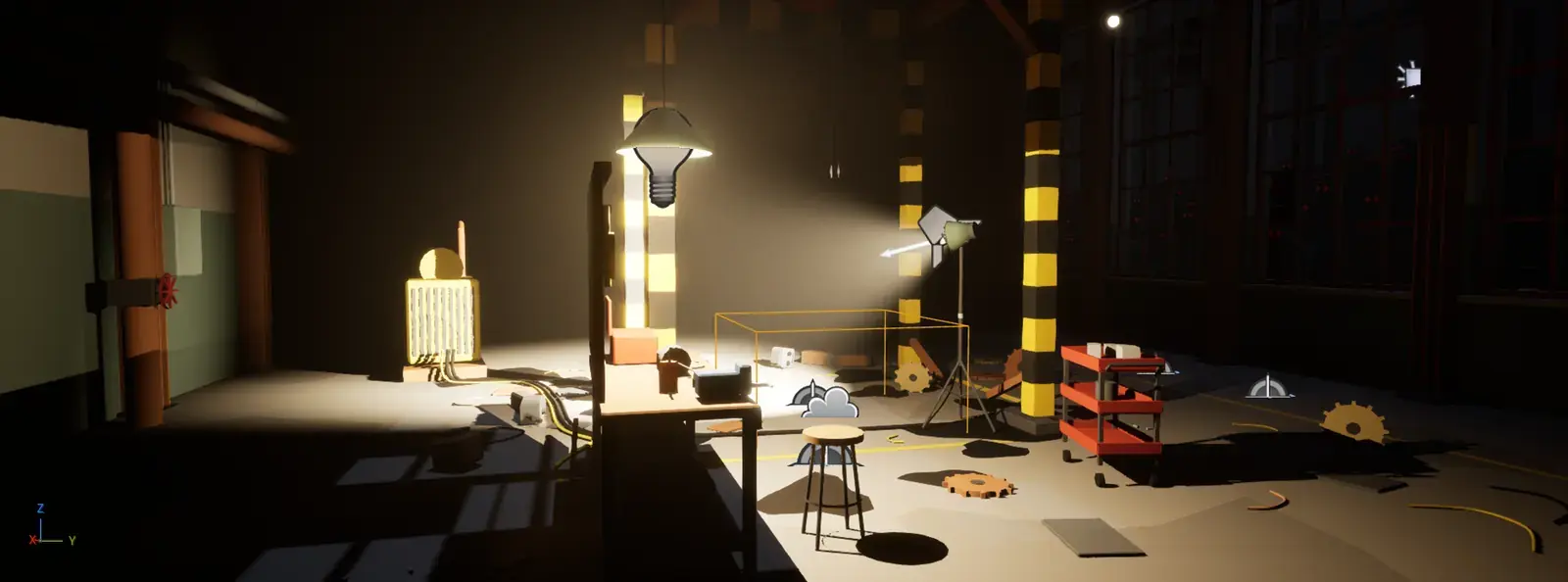 Unreal Engine
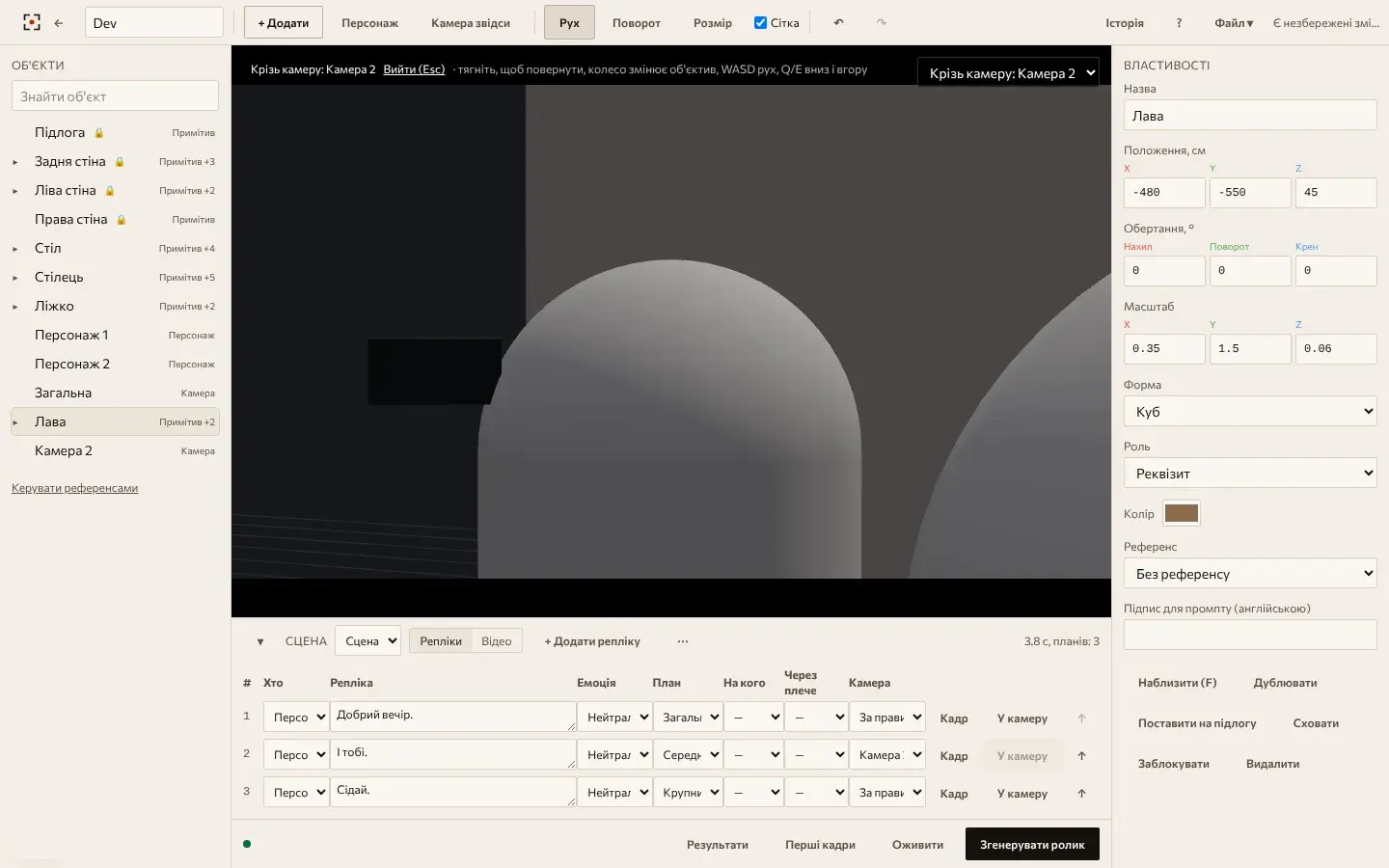 Vishot Studio
A key frame for every shot
Krea 2 paints the first frame of every shot: the light, the lens, the same faces and clothes in all the shots. Frames are a separate step, so you can see the film before any video is computed.
The frame comes alive and speaks
MiniMax H3 moves the frame and speaks the line, and the lips match the speech. LTX 2.5 shoots the shots without words. Seed-VC carries each character's voice, so Maya sounds the same through the whole film.
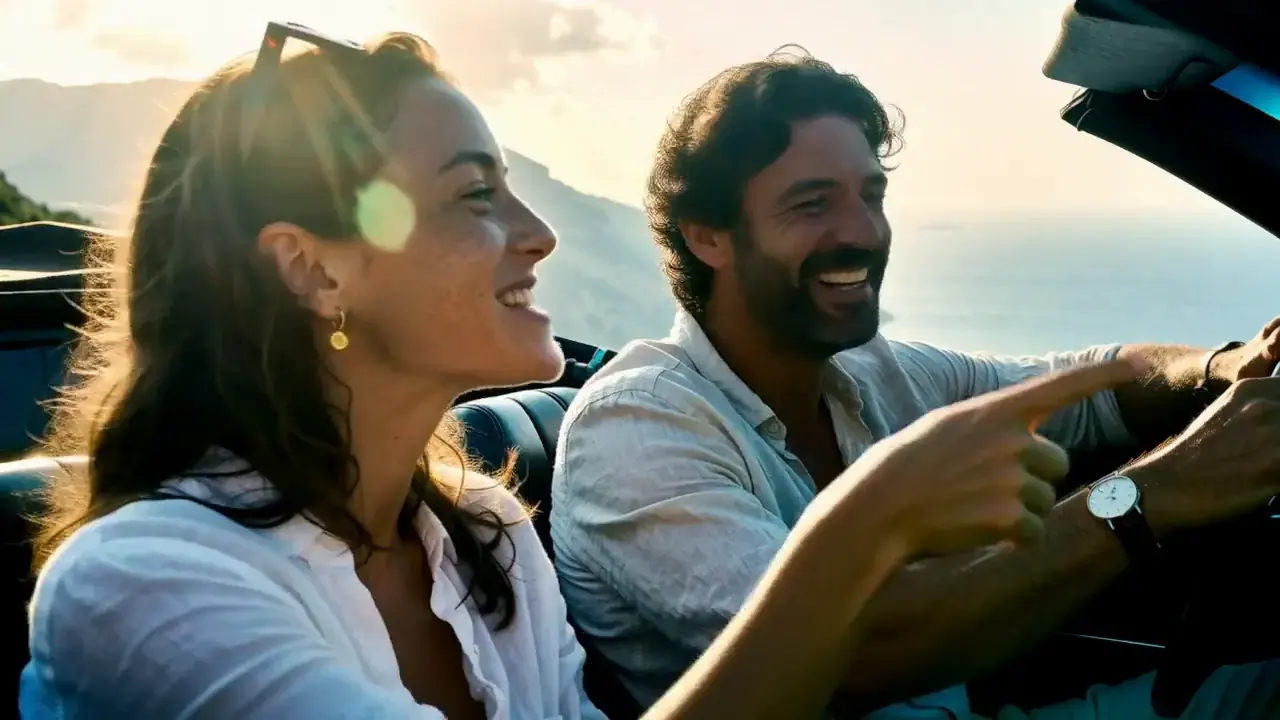 MiniMax H3 and Maya's voice
The film
SeedVR2 brings every shot up to 1080p, then come a shared grade, grain, subtitles and the edit. You get an MP4 and a separate .srt subtitle file.
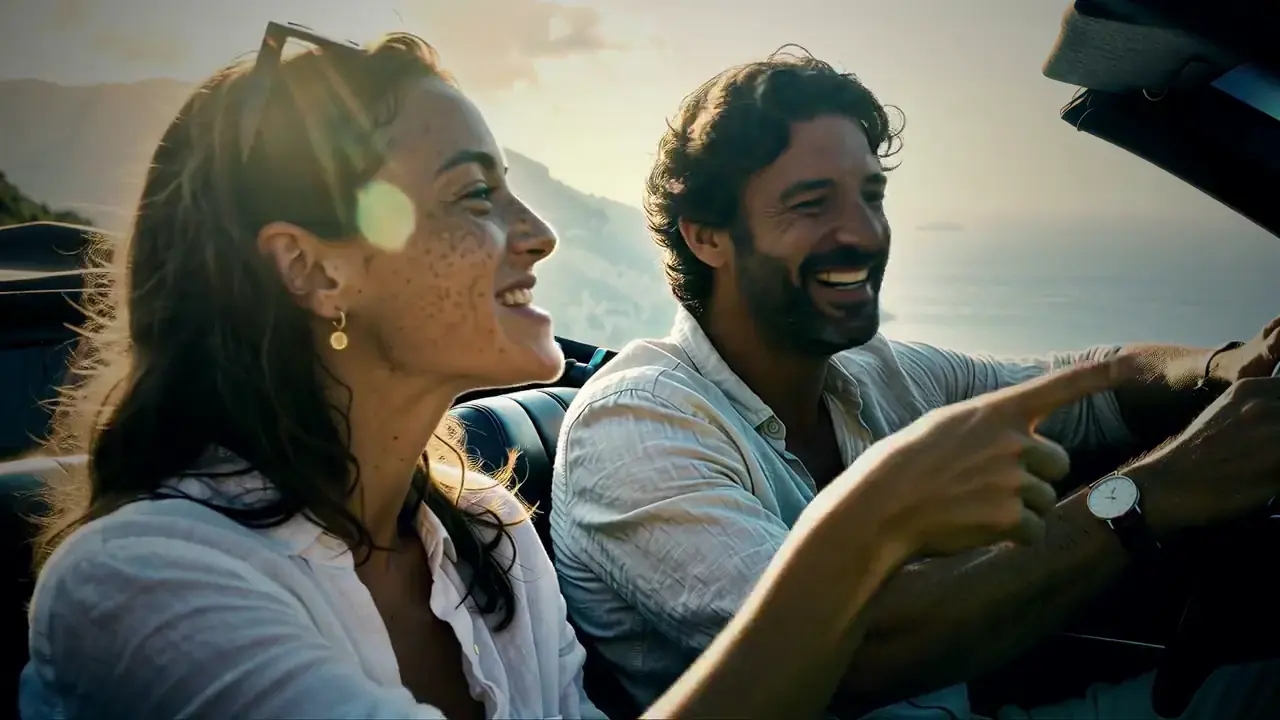 In the film




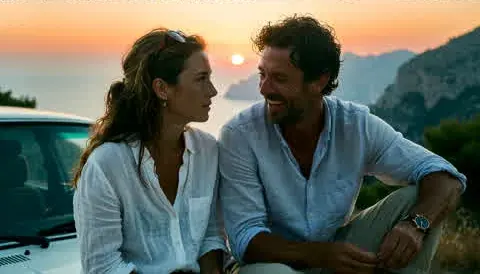
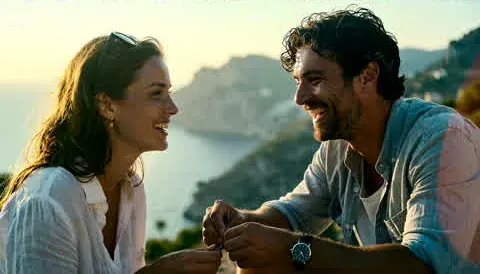
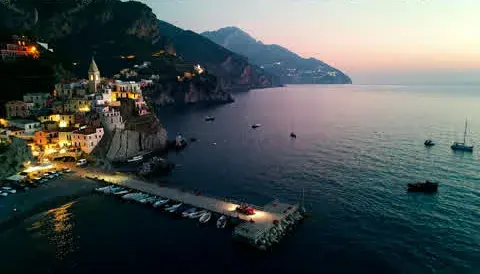
The staging and the frame
On the left, the scene in Unreal Engine: a workshop, mannequins on their marks, the camera and the light. On the right, the frame the model shot from this staging for the film Last Unit.
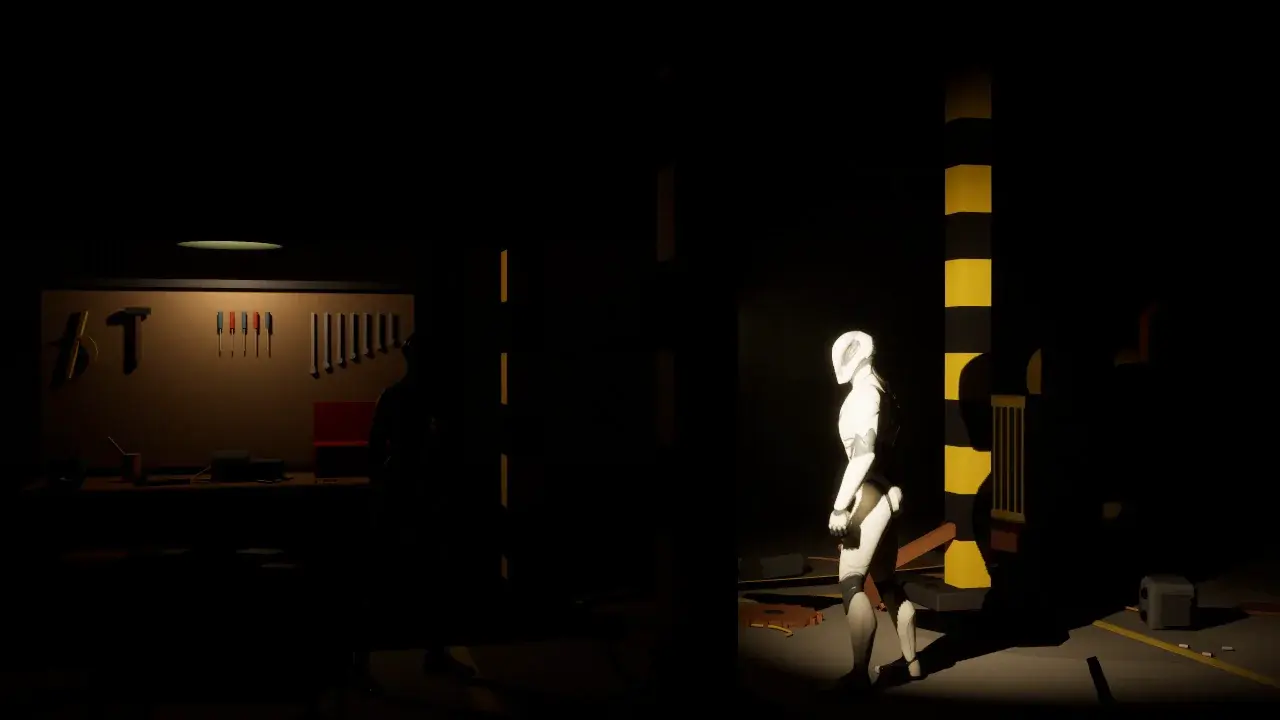
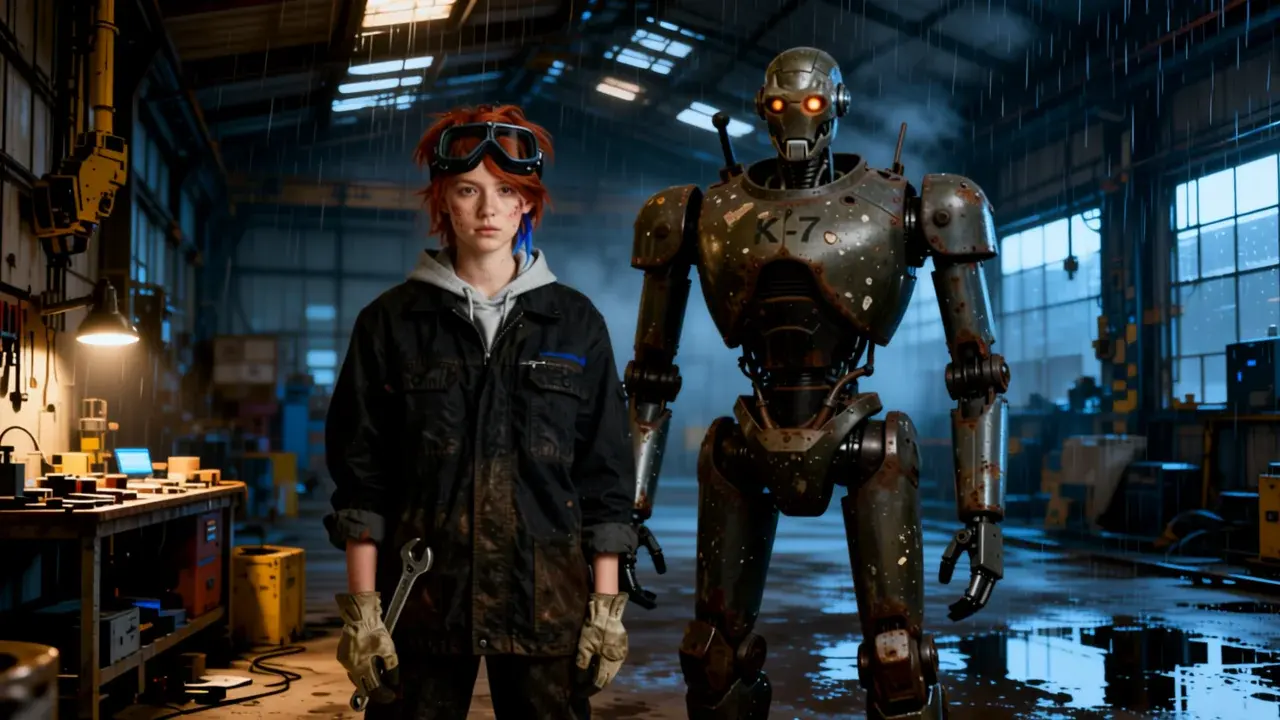 Unreal Engine 5.8Model frame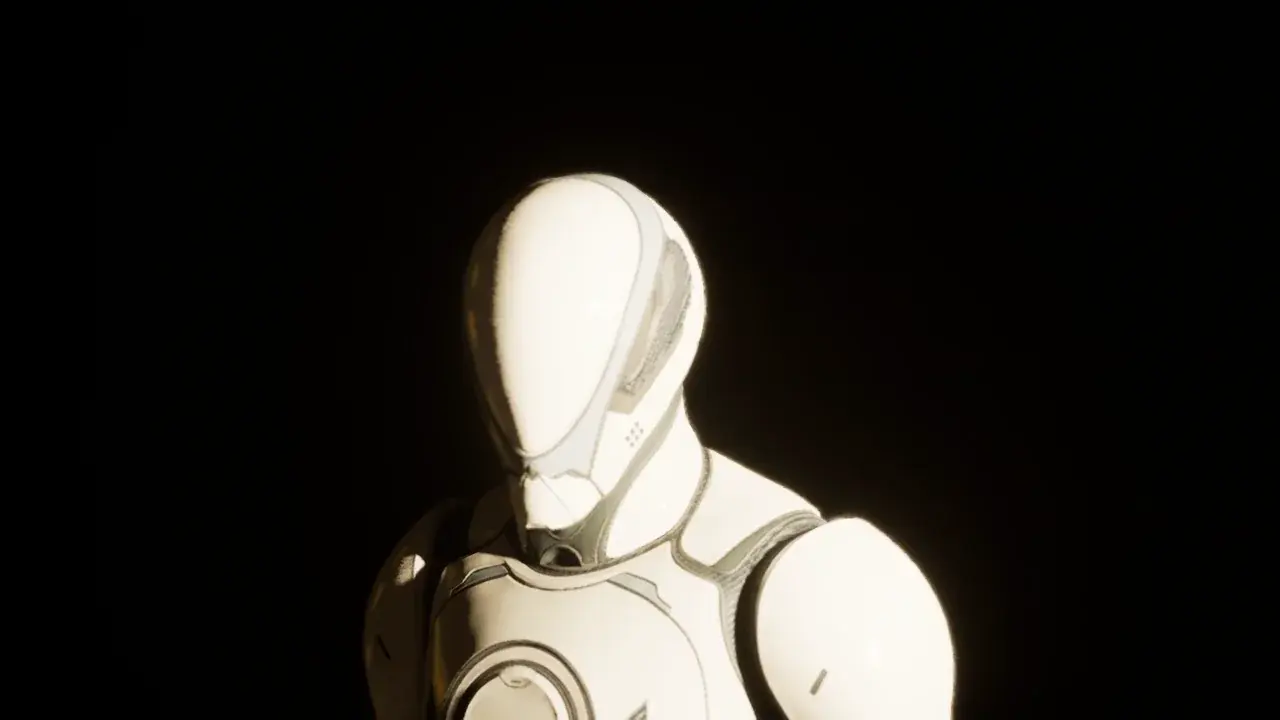
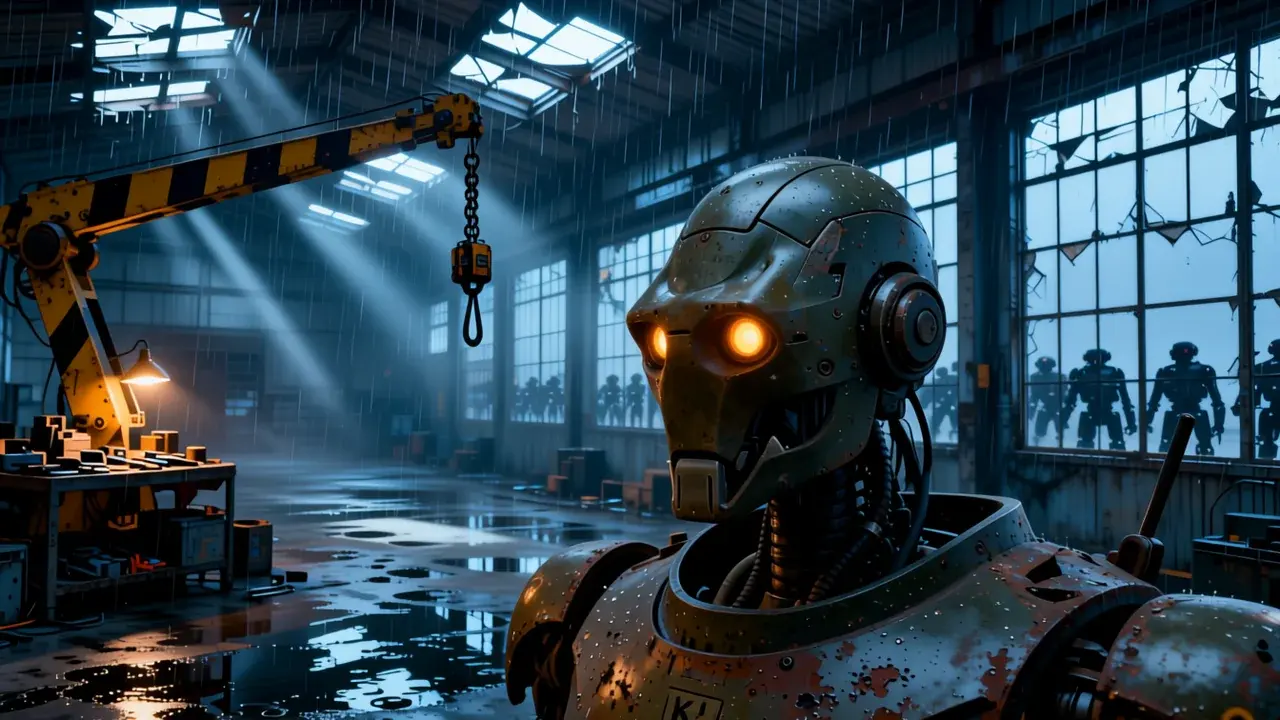 Unreal Engine 5.8Model frame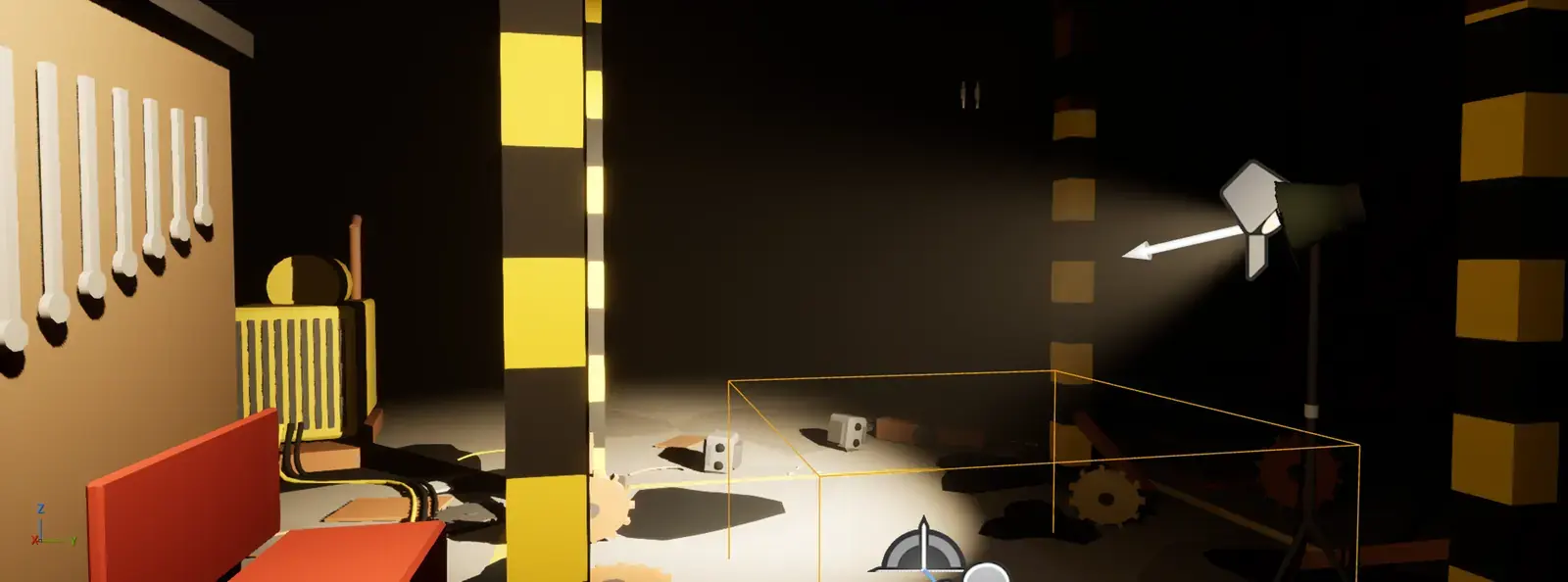
1. SetThe plugin builds the workshop, the marks, the cameras and the light 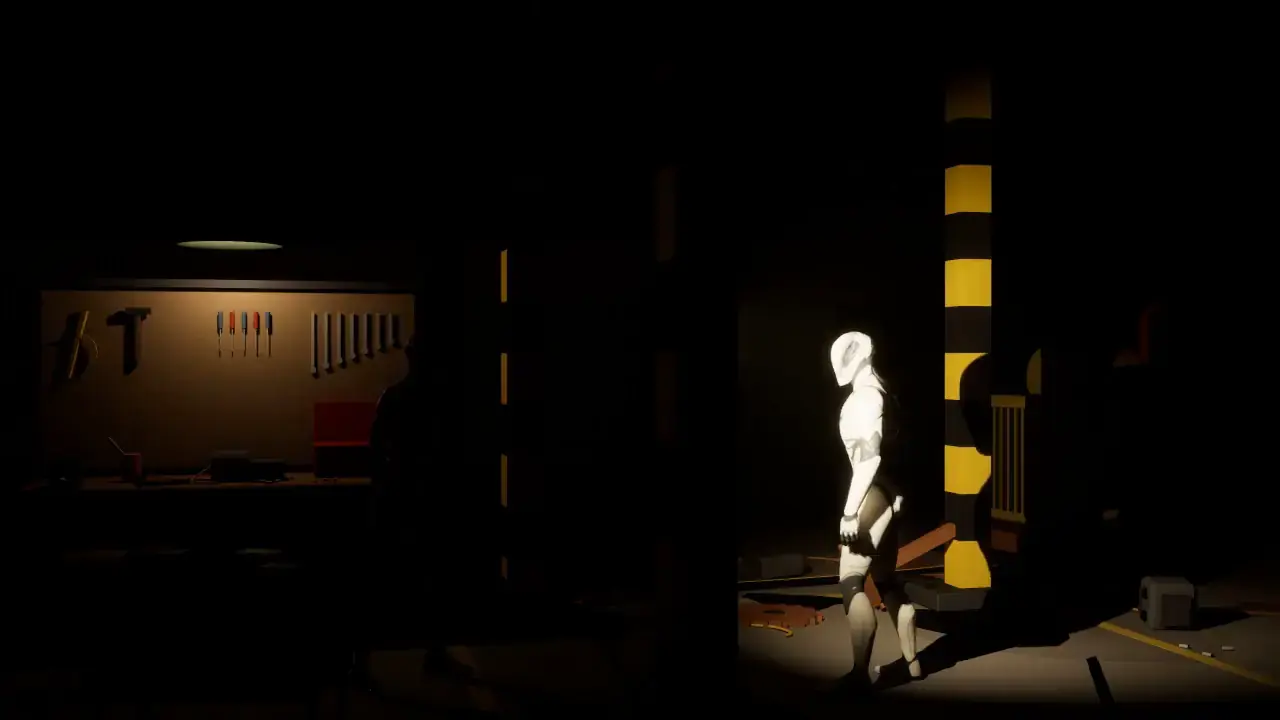
2. Draft renderMovie Render Queue, mannequins on marks 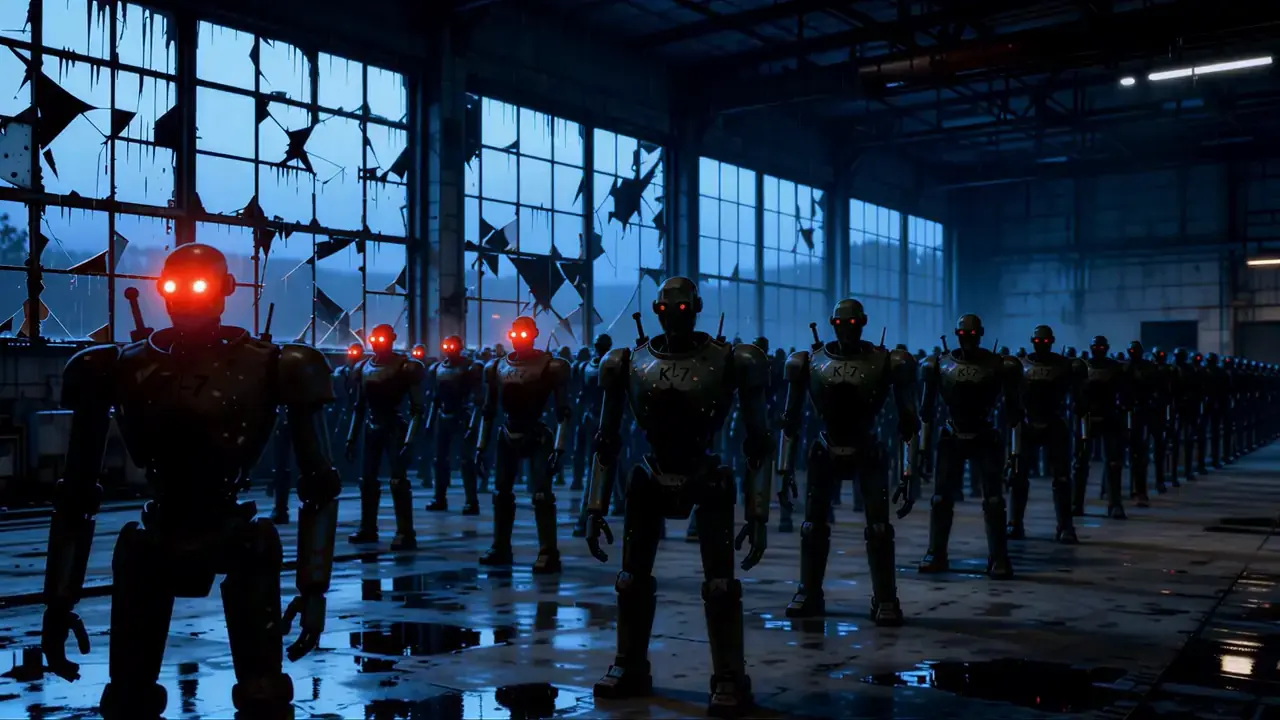
3. FilmThe robots switch on one by one
The frame does not match pixel for pixel yet. Unreal sets the shot, the angle and who stands where; the model paints the frame anew from the character references. Exact overlay by depth and pose from Unreal is still in the works.
Without Unreal. You can build the same staging in Vishot Studio right in your browser. See what it looks like
A film set in your browser
No Unreal? Vishot Studio stages the scene right on the site: a room, people on marks, cameras and lines. The models get the staging itself, shot by shot, not a description in words.
A room from ready-made pieces
Start from a template: a room, a village street or a forest clearing. Or build your own from walls with doors and windows, a table, a bench, chairs and a bed. A prop dropped on the table lands on top, and four walls in a row close the room.
- + Add
- Ready-made
- Grid
- Ruler
- Group
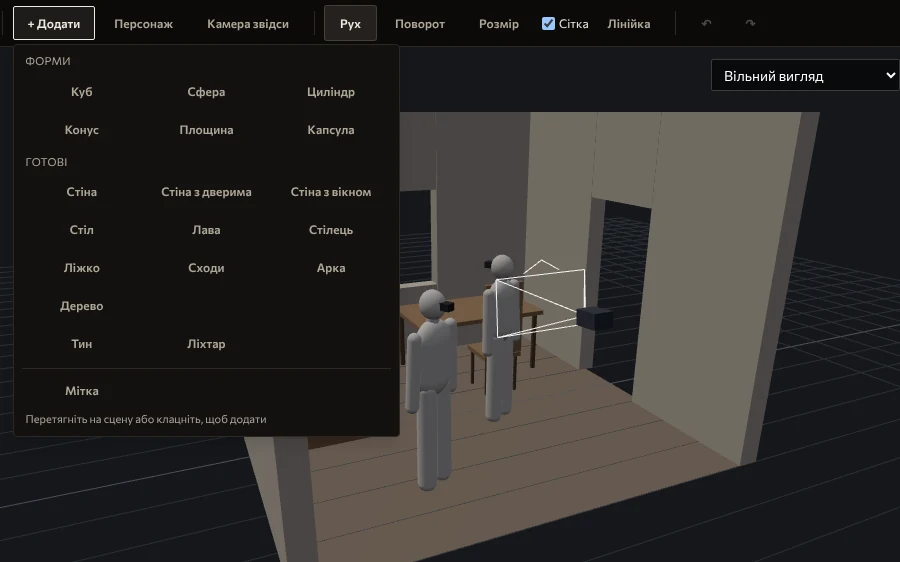
1 / 5The Add menuShapes and ready-made props People on marks
A character stands, sits or lies down and takes height and direction from the furniture. The head follows whoever you point it at, and in the shots of a scene everyone looks at the speaker. A photo dropped on a character becomes its reference.
- Standing
- Sits on
- Lies on
- Head looks at
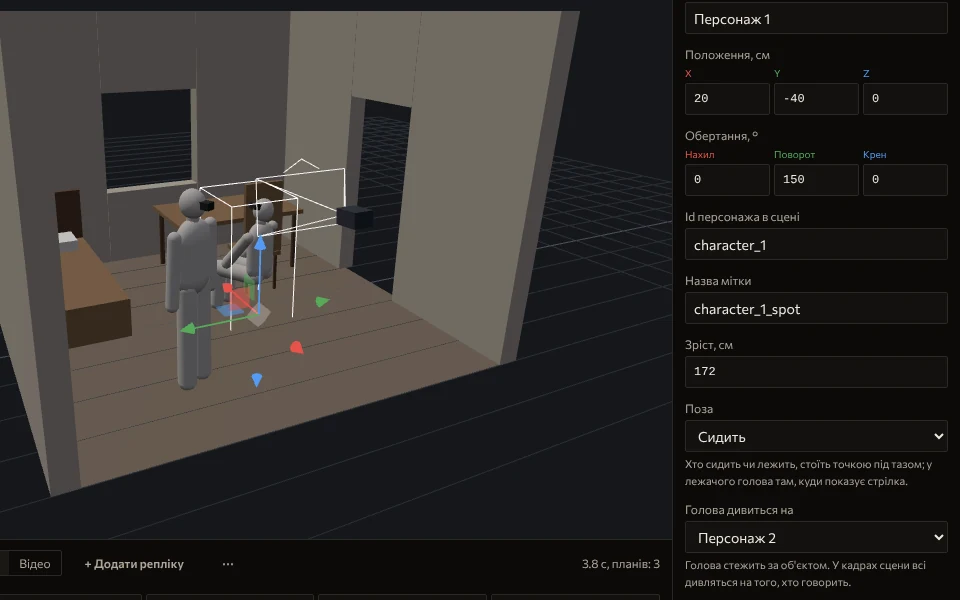
2 / 5Character inspectorBody, head, gaze Cameras, as on a set
Find the angle and press “Camera here”: the camera goes exactly there, with a lens for a 16:9 frame. You can look through it and steer it with the mouse, the wheel and WASD. The plan from above shows the marks and the cone of every camera.
- Camera here
- Look through
- Plan from above
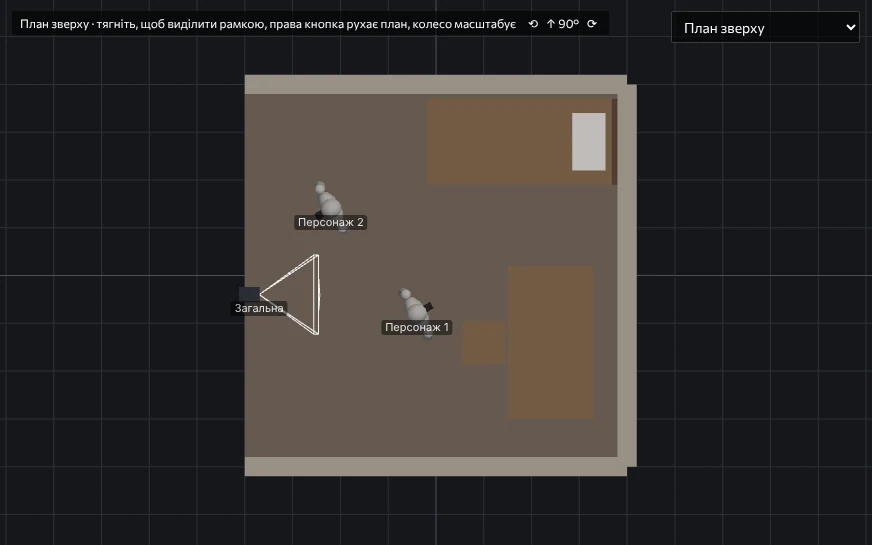
3 / 5PlanMarks, labels, camera cone Lines become shots
For every line: who speaks, with what emotion, in which shot, who they look at and over whose shoulder. Studio places the camera by the rules, “Frame” shows the shot through its eyes, and “To camera” turns it into a camera you can adjust.
- Wide
- Two shot
- Medium
- Over the shoulder
- Close-up
- Frame
- To camera
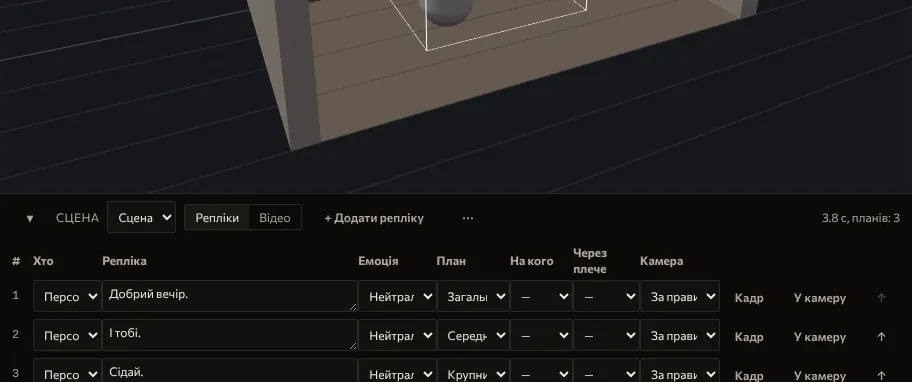
4 / 5Scene tableLines, shots, cameras A package for the model
Studio renders every shot in three layers: colour, depth and mask. With photo references the package goes into the same pipeline that shoots Unreal scenes, in a small free app on your PC that installs with the plugin. “First frames” cheaply show what you will get.
- First frames
- Animate
- Generate film
- Local
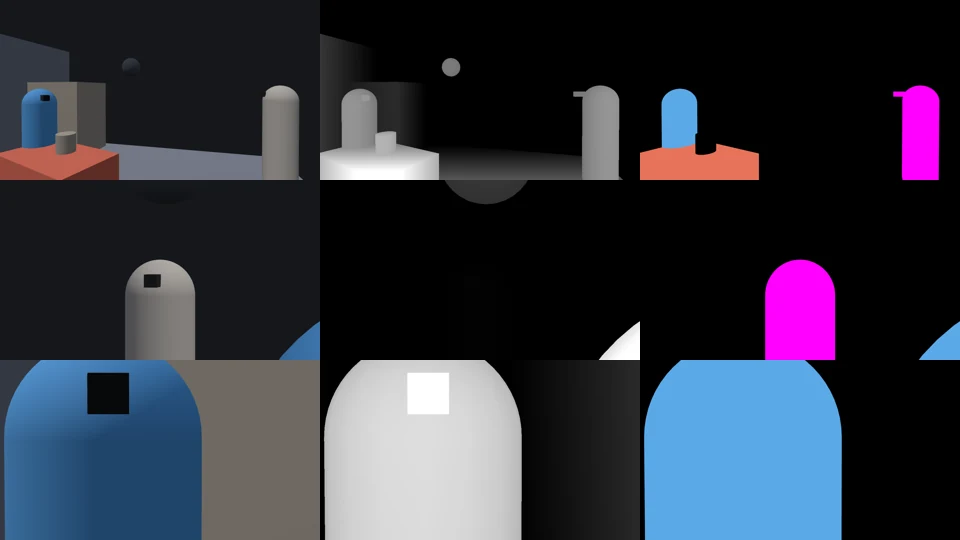
5 / 5Shot packageColour, depth, mask
Free: the sample scene, one of your own and export to .vishot. Generation on your PC with the plugin. The editor is made for a computer. On a phone you can look through a scene and fix the lines.
A generated video cannot be reshot. A scene can.
A generator invents the frame from scratch every time, so in the next shot the heroine is already another person. In a scene she is one asset: you change the camera, not the actress.
| What we compare | Video generator | Scene in Unreal Engine |
|---|---|---|
| The heroine in another shot | Another face, another scarf, another height | The same asset: face, costume, proportions |
| Changing one shot | Regenerate the clip and hope | Move the camera, only that shot is rebuilt |
| Camera and light | Described in words in a prompt | Set by hand: marks, lens, key light |
| What you get | An MP4 file | A sequence in Sequencer with actors, cameras and voices |
| Where it runs | On someone else's server, your script goes there | On your PC |
What runs at home and what goes online
Unreal scenes, voices and model files stay on your PC. Vishot Studio scenes are stored in your account. The cloud appears only where you turned it on yourself, and such a role is always marked.
Your PC
- Breaking the scene into shotsQwen3 14B or 8B, through LM Studio or OllamaLocal
- Staging and renderingUnreal Engine: Sequencer, Movie Render Queue. Or Vishot Studio and a small free app on your PC that installs with the pluginLocal
- Frames and videoKrea 2, LTX 2.5, SeedVR2 in ComfyUILocal
- VoicesPiper for drafts, Seed-VC for one voice per characterLocal
Local models come under their own licenses. MiniMax H3 is offered through the portal (cloud); its open weights may not be used in the US, EU, UK and South Korea. Krea 2 and LTX 2.5 limit free commercial use by company revenue; check their licenses before commercial work. Model licenses in the Terms
Internet
- Video in the cloudMiniMax H3, Kling, Veo, Seedance through the portal: on a paid plan or with your own keys, if your card can't cope or you chose soCloud
- Final voicesElevenLabs, only if you switch it onCloud
- AccountEmail, devices, plan, Vishot Studio scenes and their photo referencesCloud
The dashed line in the middle is the edge of your computer. Everything on the left works offline.
Which graphics card you need
The main limit is not speed but video memory. Staging and generation share the same card, so they run in turns. Pick your card to see what fits.
Tested: everything local
1. Staging
Qwen3 14B breaks down the scene, the rest of the memory goes to Unreal or Studio.
Qwen3 14B 10.5 GBUnreal or Studio: 21.5 GB
2. Generation
Before Unreal renders, the generation models are unloaded, so they do not get in each other's way.
The largest model we measured: 19.5 GBLocal, tested
Why in turns
Unreal and a generation model don't fit together even in 32 GB. A small free Vishot app on your PC, installed with the plugin, unloads the models before each render and generates after it.
A small card is not a dead end
If generation doesn't fit, these steps go to the cloud through the portal: on a paid plan or with your own keys. Staging, script and voices stay on the PC.
Director model
On 24 GB and more we take Qwen3 14B, on 12–16 GB Qwen3 8B. On 8 GB it is better to give the director to the CPU or the cloud and leave the memory to Unreal.
Tested on an RTX 5090 with 32 GB. For other cards this is a calculation from the model sizes in our catalogue (Qwen3 14B Q4_K_M 10.5 GB, Qwen3 8B 6.5 GB) and from the 19.5 GB peak we measured on Qwen Image Edit. We are still measuring the other models and will refine the numbers after tests on these cards.
What you need
To stage scenes and shoot the film on your own PC. Without an NVIDIA card you can still work in Vishot Studio in the browser.
Compare plans- System
- Windows 10 or 11. Mac and Linux are not supported yet.
- Graphics card
- One NVIDIA GeForce RTX. 16 GB of VRAM is a comfortable start, 24–32 GB leave room for both the model and the scene. The picker above shows what fits on your card.
- The Unreal path
- Unreal Engine 5.8.
- Software
- Python 3.11 or newer and LM Studio for the local language model.
- Installation
- A few terminal commands, step by step in the docs.
In development
Our own Vishot model
We are making our own generation model for Vishot. Once it passes our tests, its first frames, card requirements and terms will appear here.
- Project
- Vishot Model
- Scene
- 01
- Take
- 0
- Status
- Tests
The first take is yours
The account is free. Open the sample scene in Vishot Studio, build your own and export it. Generation on your PC with the plugin, which we send by invitation.
Making a series, an animatic or previs? We run pilots with studios.
News about Vishot's own model
Only about it: first frames, GPU requirements and terms.